
Home

See features
Built for Blender
Cycles-based setup
Editable results
Fast presentation renders

Use FrameForge for vehicles, products, hard-surface assets, props, and organic sculpts.

Automotive

Product
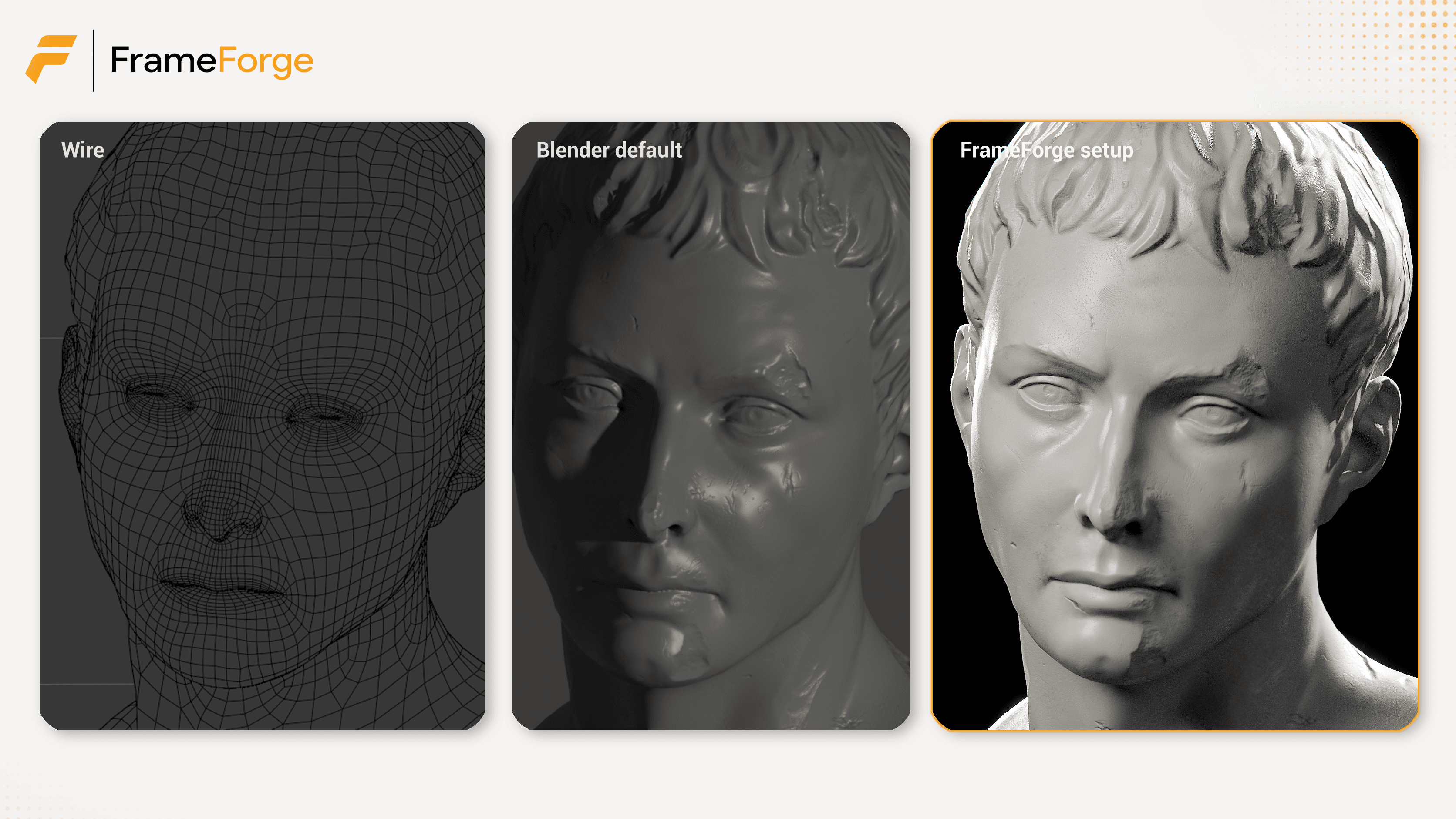
Organic
Studio-ready setup variations for your Blender scenes.
Switch between clean studio lighting and creative moods in seconds. Presets scale and position around your model.
Clean Studio
Big Overhead Softbox
Classic Three Point
Cyberpunk Blue Magenta
Golden Hour Studio

Auto-frame your model, save camera angles, adjust focal length, and keep your object framed while refining the shot.
Auto-frame model
Save and load camera angles
Change focal length while keeping the framing
Lock camera to view

Choose your focus point. Shape the shot instantly.
Set focus in the viewport and preview cinematic blur while staying inside Blender.

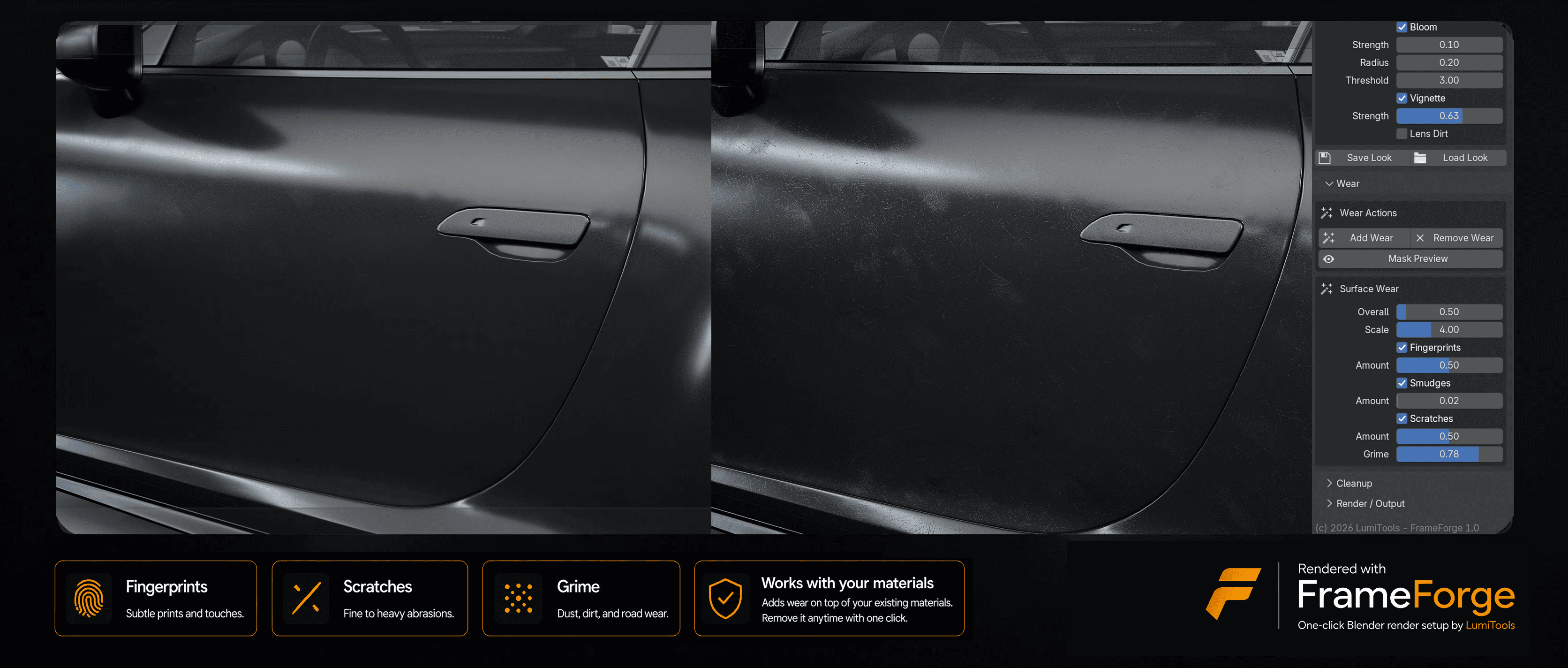
Dial in fingerprints, smudges, scratches, and grime.
FrameForge adds wear on top of your existing materials. It does not replace your material workflow, and wear can be removed when needed.
Fingerprints
Scratches
Grime
Works with your materials
Remove wear anytime
Give your renders instant atmosphere in one click.
Add subtle glow, edge darkening, and camera-style imperfections visible in the viewport and FrameForge camera.

FrameForge is not a separate renderer. It creates and controls an editable Blender scene setup built around Blender’s Cycles renderer, so you can keep working with familiar Blender tools.
Blender-native setup
Cycles-based rendering
Editable lights and cameras
Non-destructive workflow
Clean output controls
Camera / Framing
Frame, save, and refine shots.
Lighting Presets
Studio and creative looks.
Backgrounds
Clean presentation backdrops.
Look / Color
Exposure, contrast, saturation.
Depth of Field
Fast focus and blur control.
Bloom / Vignette / Camera Imperfections
Subtle atmosphere and polish.
Wear
Optional removable surface detail.
Output
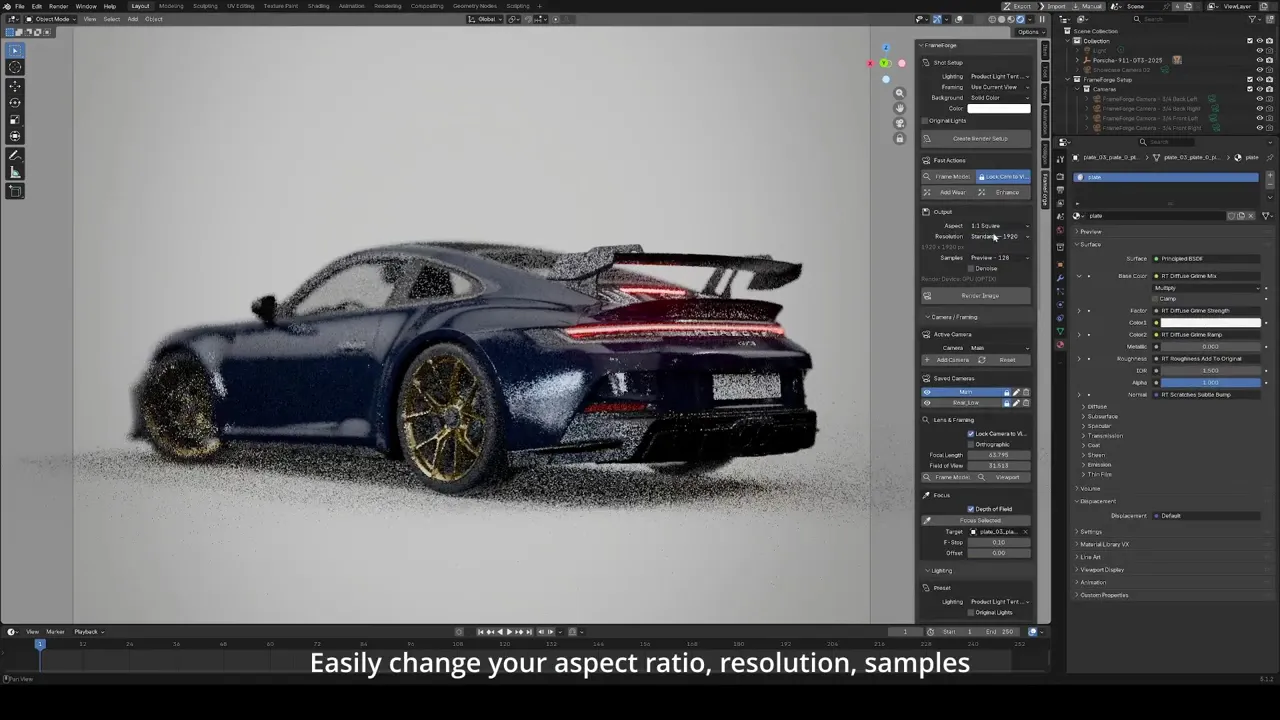
Resolution and render controls.
Cleanup
Remove setup or wear when needed.
Is FrameForge a render engine?
No. FrameForge is a Blender add-on that creates and controls a presentation render setup inside Blender. It is built around Blender’s Cycles renderer.
Does FrameForge replace my materials?
No. FrameForge works with your existing materials. Optional wear can be added on top and removed when needed.
Can I edit the setup after using the one-click button?
Yes. FrameForge gives you a fast starting point. You can still adjust the camera, lights, background, look, wear, output, and render settings.
Does it only work for vehicles or products?
No. FrameForge works across asset types including vehicles, products, props, hard-surface models, and organic sculpts.
Do I need lighting knowledge to use it?
No. FrameForge includes ready-made lighting presets and clean defaults, while still allowing manual refinement.
Can I remove FrameForge wear?
Yes. Wear can be removed with one button.
Is this an AI rendering tool?
No. FrameForge is a Blender workflow tool for setting up presentation renders inside Blender. We at Lumitools are pro-artist, as we're artists ourselves.
Where do I buy it?
FrameForge is available on Gumroad through LumiTools.
FrameForge gives you a fast, editable starting point for polished asset renders.
Get FrameForge on Gumroad